Team Building Scavenger Hunt: Photo Challenges That Work for Real Teams
Thirty prompts, the rules that stop it dragging, versions for remote and hybrid teams, and the part that decides whether anyone remembers it next quarter.
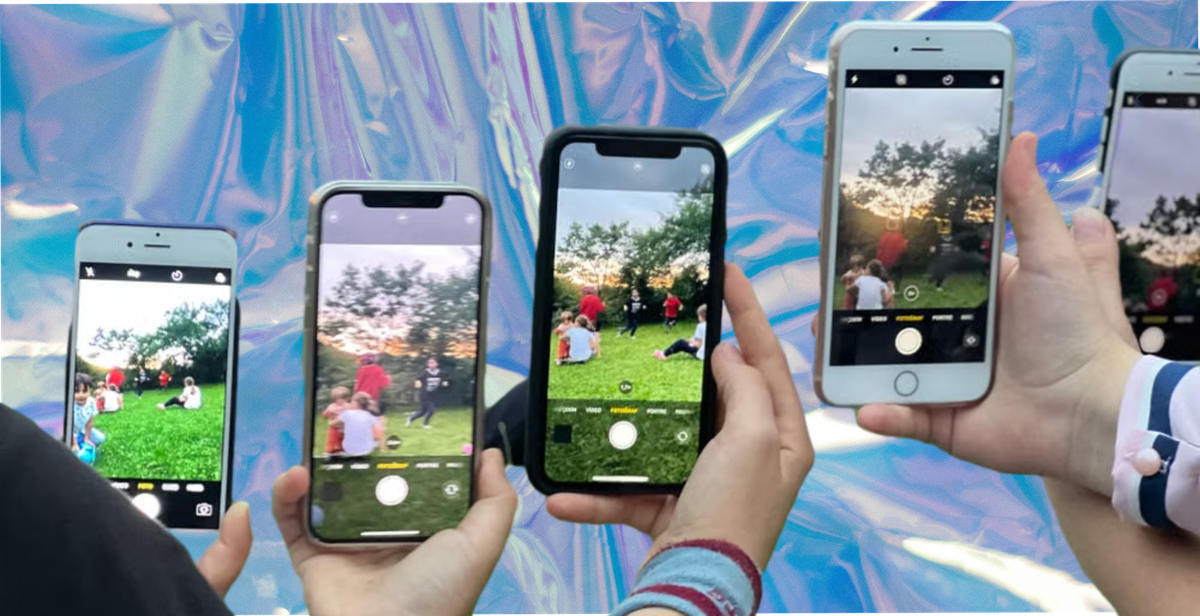
A scavenger hunt is one of the few team activities that works without anybody being good at anything. No fitness, no trivia knowledge, no performing. People walk about, notice things, photograph them, and argue cheerfully about whether a traffic cone counts.
You can hire a company to run one. You can also run it yourself with an afternoon of preparation, and this guide covers how, including the versions that work when half the team is remote.
Set These Six Things First
Teams of four to six. Below four and one person ends up doing everything. Above six and two people drift to the back and check their email.
Ninety minutes to two hours. Long enough to leave the building, short enough that nobody is checking the time.
Fifteen to twenty prompts. Expect teams to finish some and skip others, which is normal. Write the list so a team completing most of it still feels they did well.
Boundaries, stated plainly. A radius, a floor, a building, a district. Say it out loud and put it on the list.
A submission route, decided before you print anything. Covered below, and it is the difference between a nice afternoon and something you still have in March.
A prize that is specific. "A prize" is not a prize. Lunch on the company, the good parking space for a month, first pick of holiday dates.
30 Prompts That Work for Teams
Around the office (1 to 10)
- The whole team reflected in one surface
- Something on a desk that tells you about the person
- The most-used object in the building
- Something that has been broken for longer than anyone can remember
- The best view from the highest point you are allowed to reach
- Somebody teaching somebody else something
- Two people who had not met before today
- The oldest thing in the building with a date on it
- A recreation of a photograph from the company website
- Something nobody on your team knew was there
Out of the building (11 to 20)
- Proof you left
- A queue
- Two strangers wearing the same colour
- The best coffee within a ten-minute walk, with the cup in shot
- Something older than everyone on your team combined
- A shop sign with a spelling mistake
- Handwriting that is not on a printed sign
- The furthest point you reached, with something in frame that proves where it is
- Somebody doing their job well, with their permission
- A reflection that is not in a mirror
The awkward ones, which produce the best photographs (21 to 30)
- Your team, but one of you is missing and it is not obvious why
- Recreate a famous album cover with what you have to hand
- The team arranged by height, in a place that makes it difficult
- Something that looks expensive and is not
- A shadow that looks like something else
- All of you touching the same object
- Somebody genuinely laughing, not posing
- The worst piece of public art you can find
- Your team in the background of somebody else's photograph
- Everyone, at the end, still standing
Remote and Hybrid Versions
The usual advice is to run it on a video call, which mostly produces people holding up household objects for forty minutes.
The better version drops the clock. Send the prompt list on Monday, collect submissions by Friday, share the results together at the end. Everybody photographs on their own time, wherever they are, and nobody has to pretend a video call is an afternoon out.
That is a photo challenge rather than a hunt, and for distributed teams it removes the problem a video call creates. It also solves the problem of people in different time zones.
Prompts that work when people are apart: your desk at its worst, the view from where you work, something within reach that nobody at work would guess you own, your walk to the kettle, the last thing you photographed before this one.
One rule for the distributed version. Do not make it about homes any more than people volunteer. Some colleagues will happily show you their kitchen and some will not, and the prompts should work either way.
Judging Without Losing the Room
Ten teams and twenty prompts is two hundred photographs to review while everybody waits.
Most prompts score on completion, not quality. They photographed a queue or they did not.
Name three prompts at the start that will be judged properly. Those get quality scores. Everything else is pass or fail. You get a winner without a committee.
Have one bonus point, awarded by whoever is running it, no appeals. For the funniest, or the one nobody expected.
Announce while everyone is still in the room. A winner declared by email on Monday is an administrative message, not a result.

The Bit That Decides Whether It Was Worth It
Here is the usual ending. Everybody photographs everything, it goes to a group chat, the chat scrolls, and by the next quarter the afternoon exists as four screenshots on one person's phone.
For a purely internal team day that might be fine. If any of it was meant to be useful afterwards, for a careers page, an internal newsletter, a recruitment post, or just a record that the team did something together, then it needs to land somewhere.
One route, not four. If people can submit three ways you will spend longer collecting than they spent photographing.
Names attached as it arrives, so photographs can be credited and found again.
Permission, if it is going anywhere public. A photograph of a colleague is not automatically yours to put on a careers page. Ask before you use it, name where it might appear, and keep the record. Asking at the point of submission is easier than asking six weeks later, when people have moved on and the thread has scrolled.
A reward that arrives on the day. This matters more for customers than colleagues, but the principle holds either way: the exchange completes while people still care.
Four Things That Quietly Ruin It
Requiring an app. Anybody asked to install something to join a work activity will decide they are sitting this one out. Whatever you use should open in the browser already on the phone.
Only testing on your own phone. iPhone and Android handle camera permissions and uploads differently, and your team will be split across both. A route that works on yours can fail silently for colleagues on the other platform, and you will not hear about it. The company split rarely matches the national one, though StatCounter gives you a starting assumption.
Prompts that need somebody's permission you have not got. "Photograph a stranger" is a prompt that produces an awkward conversation and occasionally a complaint. Anything involving a member of the public or another business needs a "with their permission" on the end, and it needs saying out loud at the start too.
Not deciding who is judging until the end. The activity finishes, everybody is standing about holding phones, and three people start debating scoring. Name the judge when you name the teams.
How 82DASH Fits
82DASH is a customer content library. It collects photos, videos and feedback directly from people, and a reward lands in their Apple Wallet or Google Wallet when they submit.
Most of what it does is aimed at customers rather than colleagues, so it is worth being plain about what it is useful for here: it is the submission route. Participants scan a code or follow a link, submit against the prompts, and everything lands in one place with names and permission attached. No app, no account, nothing to install.
Challenge Mode runs a prompt series across a window with due dates, which is the format the remote and hybrid version above describes.
If your hunt is purely internal and the photographs are never going anywhere, a shared drive will do the job. If any of it might end up on a careers page, in a recruitment ad or in a newsletter, the permission-at-submission part is what makes it usable rather than merely collected. The rights management page sets out how.
On plans. The free plan covers forms and wallet passes up to 50 submissions a month. Photo collection is on the paid plans, and Starter and Growth include a seven-day free trial, which is enough to run a hunt and see what comes back. Monthly plans start at $50 and the pricing page has the current detail.
Start free with forms to Apple and Google Wallet
Isabelle Simon, Communications Lead, 82DASH
FAQs
How many people do you need for a team building scavenger hunt?
Teams of four to six, and at least two teams. Below four, one person does everything. Above six, people drift. Two teams is enough for a race, and more than eight makes judging slow.
How long should it last?
Ninety minutes to two hours of active hunting. Long enough to get out of the building, short enough that nobody starts checking the time. Past three hours the energy goes.
What if the team is remote?
Drop the clock and run it across a week. Send the prompts on Monday, collect by Friday, share results together. That is a photo challenge rather than a hunt, and it suits distributed teams better than trying to run one on a video call.
How do you judge it quickly?
Score most prompts on completion rather than quality, and name three at the start that will be judged properly. That produces a clear winner without reviewing two hundred photographs while everyone waits.
Do we need to hire a company?
Not for a straightforward photo hunt. A prompt list, boundaries, a time limit and a submission route is most of it. Hiring makes sense when you want a themed narrative, a large group, or somebody else to carry responsibility for the day.
Can we use the photographs afterwards?
For anything public, such as a careers page or a recruitment post, you need permission from the people in them. Capture it at submission rather than chasing it later, and name where the photographs might appear.
Further Reading
- Photo scavenger hunt: 50 ideas, rules and a collection checklist
- Photo challenge or scavenger hunt: which should you run?
- Event content capture: build a content library
- How to get customers to share photos and videos
- Apple Wallet developer documentation
- Google Wallet developer documentation
- FTC endorsement guides: what people are asking
- QR code specification, Denso Wave