Event Content Capture: How to Build a Content Library from Every Event You Run
Events produce great content moments. Here's how to build a capture system that turns every event into a library of rights-cleared customer content, before, during, and after.
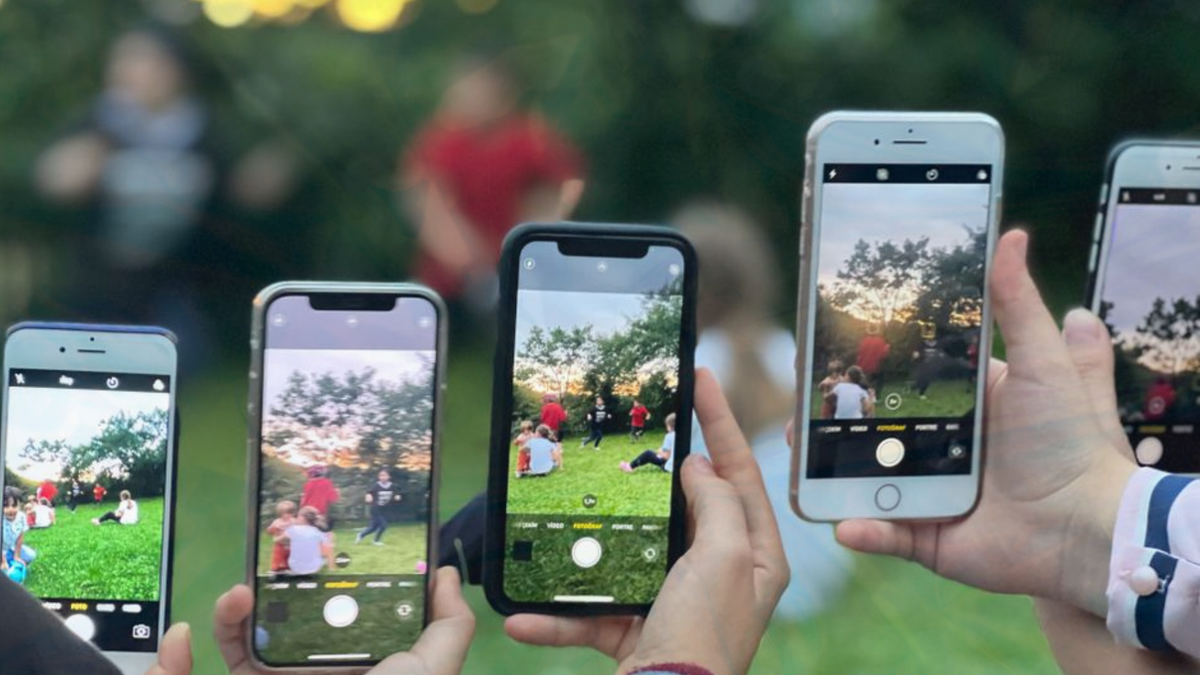
Most brands run events and leave with less content than they expected. The plan was to get great photos, a few customer testimonials, and enough material to fuel the next month of marketing. The reality is a few blurry images on someone's phone, a handful of Instagram or TikTok tags you do not have rights to use, and a general sense that it was a good day but you have nothing to show for it.
This guide is about changing that. Not by hiring a better photographer, but by building a content capture system into the event itself, before, during, and after, so that content collection is part of the event experience rather than an afterthought.
From r/weddingplanning:
"Address the bottleneck here. You want the photos that guests took during the weekend. Without using an app or QR code, how do you get photos from their phones? I don't see how that's possible. Scan the QR code that opens a URL to upload photos. This will not be 100% success with guests but you can be hopeful. Have a dedicated team to educate your guests about this."
The bottleneck is the same whether you are running a wedding or a brand event. Attendees captured the real moments. Getting those moments into a usable, rights-cleared library requires a system, not a hope.
Why Events Are Such Good Content Opportunities
Eventbrite research consistently finds events among the highest-trust brand touchpoints. Events are high-engagement, high-emotion moments. Eventbrite data shows 79% of attendees say the events they attend positively affect their perception of the sponsoring brand. Attendees are paying attention, having real experiences, and often feel positively about the brand or cause that brought them together. These are exactly the conditions that produce the most valuable content, genuine reactions, natural product interactions, authentic testimonials, and they are available for a few hours, once.
The problem is not that customers do not want to share. It is that the default systems for capturing that willingness are passive. A hashtag on a banner, a photographer working the room, a request at the end of the event, all of these depend on the customer to take the initiative, in the right format, at the right moment.
An active event content capture system inverts this. It makes submission easy, timely, and worth doing, and it handles the rights question in the process.
Before the Event: Set Up the Capture Infrastructure
Content capture at events works best when the infrastructure is in place before anyone arrives. There are three things to set up in advance.
A submission campaign
Create a content collection campaign specifically for the event. This defines what you want (photos, short videos, feedback, a specific question), what the reward is for submitting, and what the rights position is. The campaign generates a link and a QR code that you can place anywhere.
82DASH campaigns handle this in under an hour: you set the campaign parameters, the reward type (a discount code, a wallet pass stamp, or a gift voucher), and the rights grant that is embedded in the submission flow. When an attendee submits content through the campaign, they have automatically granted you rights to use it in marketing, including paid advertising.
QR code placement
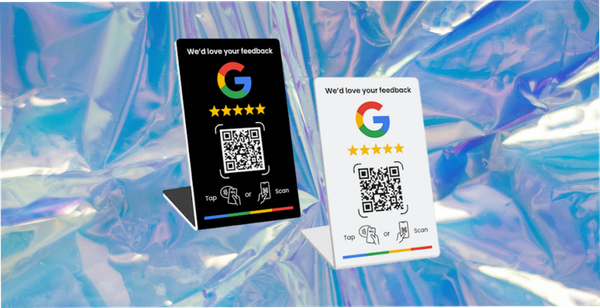
QR codes should be at every point of natural pause: the registration table, printed on name badges, at the bar or catering point, on any branded display or step-and-repeat, and on event programmes or printed materials. The goal is that wherever an attendee is standing, the QR code is within easy reach.
Digital placements also work: on the event website, in the pre-event confirmation email, and in any event app if you have one.
The reward
The reward for submitting content should be visible and meaningful. "Submit a photo and get 20% off your next order" is clear. "Submit a video and receive a digital loyalty card loaded with a free product reward" is more interesting. The specific reward matters less than whether it is clearly communicated and genuinely valuable.
During the Event: Active Prompts and Easy Submission
The event itself is where most content capture systems fail. The QR codes are there, but nobody prompts attendees to use them, or the prompt is a single announcement that half the room misses.
Active prompts work better than passive placement.
Staff-led prompts
Brief any staff, hosts, or facilitators before the event. At natural moments, when someone compliments a product, when an activity is going well, when there is a natural pause, they can mention the content campaign directly. "We have a photo campaign running today, if you grab a picture, there is a reward for submitting it." This is not intrusive. It is a prompt at the right moment.
Screen or display prompts
If the event has any display screens, the submission campaign QR code and reward description should be on rotation throughout the day. A persistent prompt, not just a one-time slide, keeps the option visible.
The opening and closing moment
Two natural announcement points: the opening of the event (when everyone is paying attention and the energy is high) and the closing (when people are reflecting on the day and are most likely to want to share). A brief, specific call to action at both points, "we would love to see your pictures, the link is on your badge", can drive a significant proportion of total submissions.
After the Event: The Follow-Up Campaign
The 48 hours after an event are the second-best window for content collection, after the event itself. The experience is still fresh, and attendees who did not submit during the event can be reached directly.
If you captured emails at registration, a follow-up email within 24 hours, "how was it? here's a link to share your photos and claim your reward", consistently drives a meaningful second wave of submissions. The timing matters. After 72 hours, the moment fades and submission rates drop significantly.
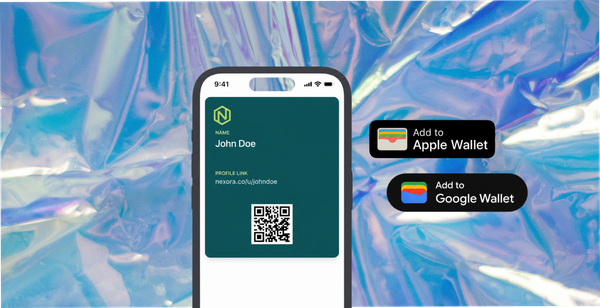
For brands that issue wallet passes, push notifications are particularly effective here. An event-specific pass distributed at registration allows you to send a push notification to everyone who attended, without depending on whether your email found its way through to their inbox.
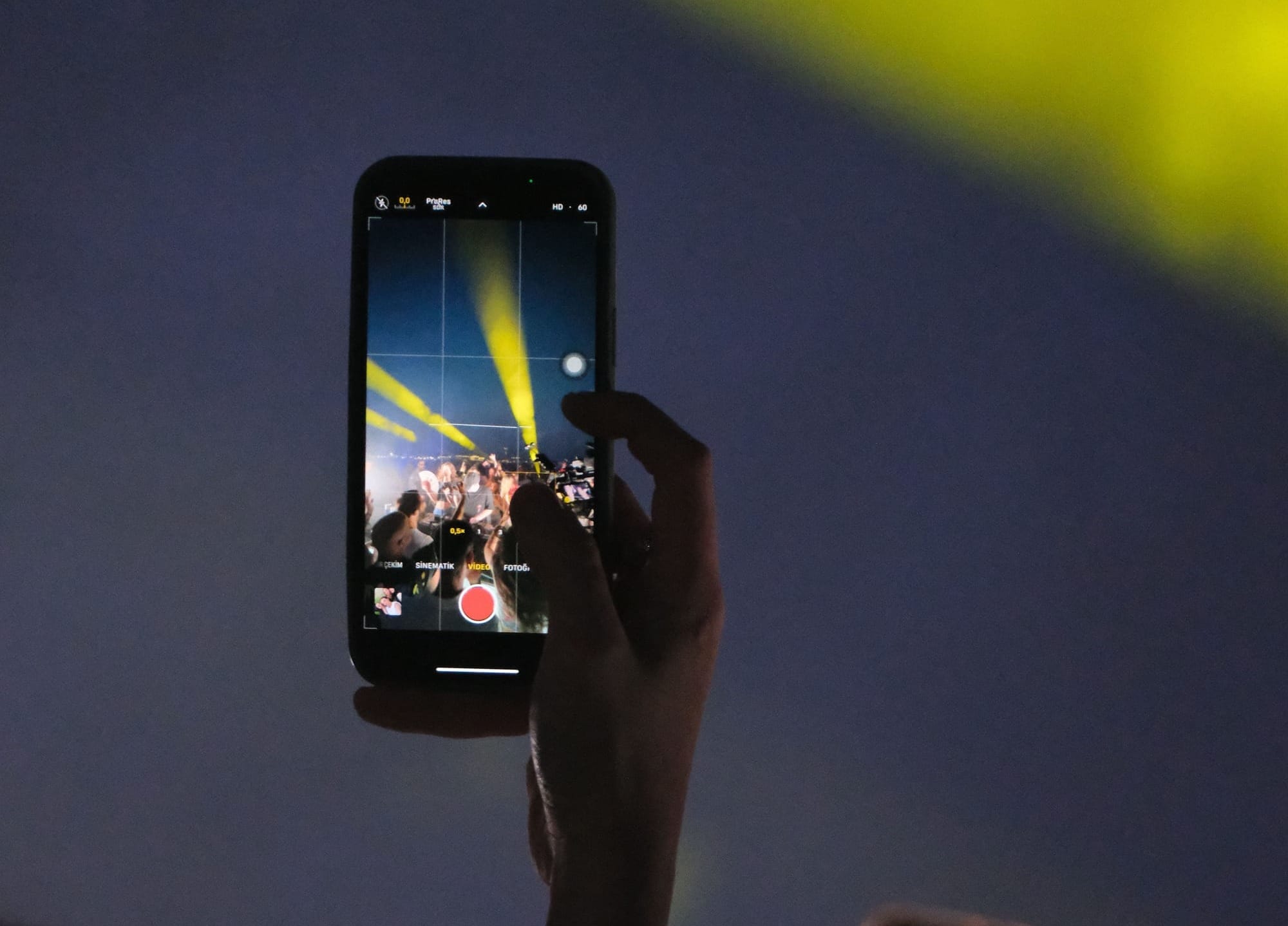
Rights Clearance: The Part Most Brands Miss
Event content is often captured but not legally usable. The images attendees take and share are their own. The content your photographer captures may be subject to model releases if you want to use specific individuals in advertising. The social tags and public posts from attendees do not carry an implicit right for the brand to use them in paid ads.
A proper event content capture system handles this at the point of submission. When an attendee submits content through a structured campaign, the rights grant is part of the submission flow, they agree to let the brand use the content in marketing at the moment they submit. This is what makes submitted event content different from photographed or socially tagged content: the rights position is clear before the content enters your library.
The practical implication: content collected through a structured submission campaign can go directly into paid advertising, product pages, and email campaigns. Content grabbed from social tags or taken by a photographer without model releases cannot, at least not without additional steps.
How 82DASH Handles Event Content Capture
82DASH campaigns are built for exactly this use case. A campaign for an event is set up in advance, generates a QR code for on-site placement, and handles submission, rights clearance, and reward delivery in a single mobile-friendly flow.
Attendees scan the QR code, are taken to a submission page on their phone, upload their content, and receive a reward immediately. The brand receives the content in a rights-cleared library, tagged by campaign, ready to use in ads and email without an additional approval step.
For events that also issue wallet passes, conferences, retail activations, hospitality events, the wallet pass can be pre-loaded with the event content campaign. Attendees add the pass at registration, and the campaign link is available inside the pass throughout the event and in the follow-up push notification.
Building an Event Content Library Over Time
A single event campaign produces 30-80 pieces of content, depending on attendance and how actively the system is promoted. Across a year of events, that compounds into a library of real-moment content from real customers in varied settings.
This library has a different character from studio photography or brand-produced content. It shows the product or experience from the customer's perspective, in the customer's environment, captured in moments of genuine engagement. For brands that run events regularly, this is the most scalable way to build a content library that looks and performs differently from what their competitors have.
Isabelle Simon - Communications Lead - 82DASH
Frequently Asked Questions
How many pieces of content can I expect from an event?
It depends heavily on attendance, the reward offered, and how actively the campaign is promoted during the event. A reasonable benchmark for a well-run campaign: 15-25% of attendees who interact with the QR code will submit content, and the QR code will reach 30-50% of attendees if it is actively promoted. For an event of 200 people, that suggests 10-25 pieces of content with minimal promotion, and 30-50 with active staff prompts and screen placement.
What types of content should I ask for?
It depends on where you plan to use it. For product pages and email, customer photos work well. For paid advertising, short videos (15-30 seconds showing the product or experience) are the highest-performing format. Collecting both at the same event is feasible, the submission form can have fields for photo and an optional video.
Do I need a photographer if I am running a content capture campaign?
Not necessarily. A good content capture campaign can produce more varied and authentic content than a single photographer, because it captures multiple perspectives from multiple people. That said, a photographer is still useful for key moments (a speaker, a product demonstration, a brand display) that need professional treatment. The two approaches complement rather than replace each other.
What happens to content that is submitted but not usable?
Not every submission will be high quality. Most campaigns produce a mix of usable and unusable content. The rights-cleared library holds everything, and the brand reviews and selects what to use. Even with a 50% usability rate, a campaign that produces 40 submissions gives you 20 pieces of usable content per event.
Can this work for smaller events, a pop-up, a brand activation, a launch party?
Yes. The system scales down as well as up. A pop-up with 30 visitors that produces 8 pieces of rights-cleared customer content is a meaningful return on a few hours of campaign setup. The infrastructure is the same regardless of scale; only the expected volume changes.
Further Reading
- Eventbrite, Event management platform with guides on post-event engagement and content
- Canva, Design tool frequently used to create event QR code displays and campaign materials
- Meta for Business, Guidance on using event content in paid social campaigns
- Klaviyo, Email platform for post-event follow-up sequences and content distribution
- Later, Social scheduling and analytics, useful for planning how event content is distributed across channels
- Instagram for Business, Meta's guidance on content permissions and creator rights for business accounts
- Wyzowl, Annual research on video marketing effectiveness including event testimonial and experiential content