QR Code Scavenger Hunt: Run a Photo Hunt With One Code
Hiding twenty codes around a building is a day of work and a single point of failure. One code and twenty prompts does the same job, and the submissions come back attributed.
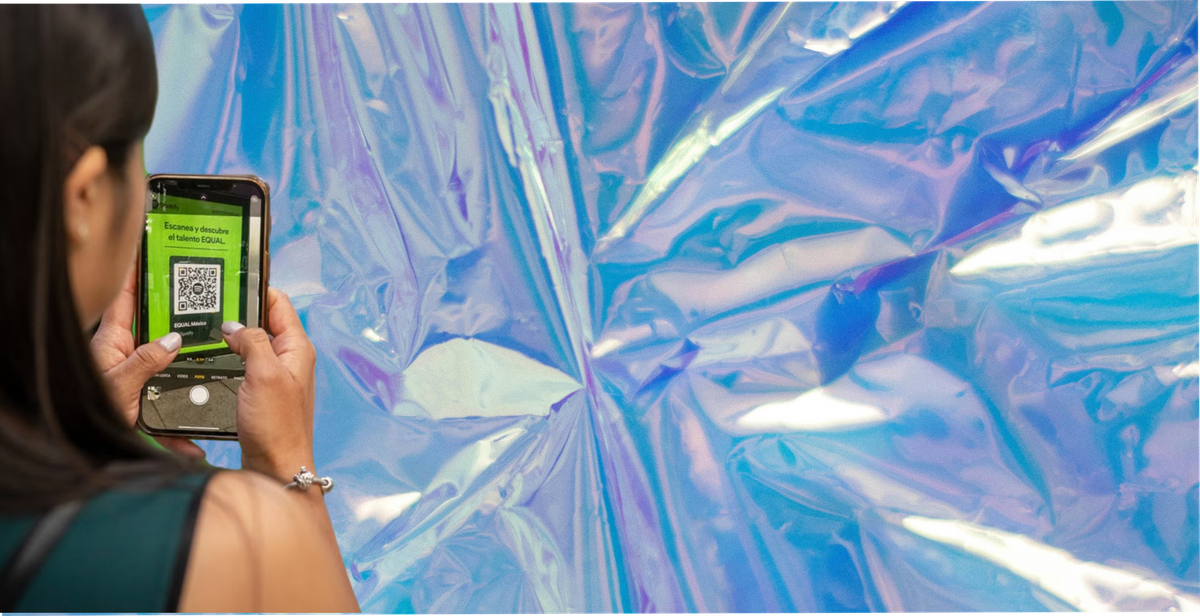
Search for a QR code scavenger hunt and you will find the same design everywhere: print twenty codes, hide them around a building, and participants scan each one to reveal the next clue.
It works. It is also a day of preparation, it breaks when somebody takes a code down, and it only functions for people who are physically in that building on that day.
There is a simpler design that suits most businesses better, and it produces something you can use afterwards. One code, many prompts.
The Two Designs, Compared
| Codes hidden at locations | One code, many prompts | |
|---|---|---|
| Codes to print and place | One per stop | One |
| Setup time | Hours | Minutes |
| What breaks it | Any single code going missing stops that stop | One code going missing stops everything |
| Tied to a route | Yes, by design | No |
| Reprinting to change the route | Every code | None |
| Runs longer than a day | Possible, but every code has to survive | Easier, one code to maintain |
| Photos come back to you | Only if you built that separately | Built in |
| Best for | A guided route through a fixed space | Almost everything else |
The hidden-code design is genuinely better for one job: a guided route where the order matters and the place is the point. A museum trail, a campus tour, an escape-room-style sequence.
For a hotel, a bar, a conference, a wedding or a brand running a challenge across a week, the second design does the same job with a fraction of the work.
How the Simple Version Works
One code, printed once. On a table talker, a badge, a receipt, a menu, a card in the room, or a sticker at the door. It does not move and it does not matter if somebody photographs it and sends it to a friend.
A list of prompts behind it. Scanning opens a page with the challenge: fifteen or twenty things to photograph, in any order, at any point during the event or the stay.
They submit as they go. Each photo goes to the same place, attached to their name.
A reward arrives when they finish. On the phone, immediately, without an app.
The whole difference is that the code is an entry point rather than a checkpoint. Once somebody is in, the prompts come to them.
Why This Suits a Venue Better
Nobody has to be anywhere at a set time. A guest who arrives on Tuesday and a guest who arrives on Friday can both take part in the same challenge. A hidden-code hunt needs everyone moving through the same space in the same window.
It survives the building. Codes get covered by menus, peeled off by children, and cleaned away by staff who do not know what they are. A single code at the point of welcome is looked after because it is obviously part of the furniture.
It runs for a season, not an afternoon. The same code can front a different set of prompts each month without reprinting, as long as it is a dynamic code. Which brings us to the one technical decision that matters.
On changing the challenge later. You do not necessarily need a dynamic code for this. A fixed code pointing at a stable page works fine if you change what is on that page. A dynamic code earns its place when you want to repoint the code somewhere else entirely, or when you want scan data, and on 82DASH it sits on the Growth plan and above. Our tips page on using dynamic QR codes so you never have to reprint covers the difference.
Writing Prompts People Actually Complete
The prompt list does more for completion than the design of the page does.
Make each one findable in the space people are already in. "Something from the year you were born" works in a museum and fails in a car park.
Ask for one photograph, not a series. Multi-part prompts give people more to organise before they can start, and that is where submissions are lost.
Give the effort a ceiling. "The best view from your room" takes ten seconds. "Recreate the hotel's homepage photo" takes ten minutes and most people will not.
Write more prompts than you expect back. Partial completion is the normal outcome, not a failure, and a slightly longer list gives people room to pick the ones they can actually do.
Put one easy one first. The first completed prompt is the one that decides whether somebody carries on.
What You Get Back, and Why It Matters
This is the part that separates a challenge from an activity.
A hidden-code hunt, built the usual way, leaves you with a winner and nothing else. The photographs live on participants' phones or in a group chat, and within a month they are gone.
A challenge built around submission leaves you with a library. Every photograph arrives attributed, in one place, with permission attached if you asked for it at the point of submission.
That last part is the one people skip. A photograph taken on your premises is not automatically yours to use, because the person who took it holds the rights. Before you use it on your website, in an email or behind paid media, you need permission from them covering that use. You can ask afterwards and plenty of businesses do. Asking at the point of submission is simply the most reliable version: the person is already engaged, the agreement is attached to the file rather than sitting in a separate thread, and you are not trying to reach somebody who has moved on.
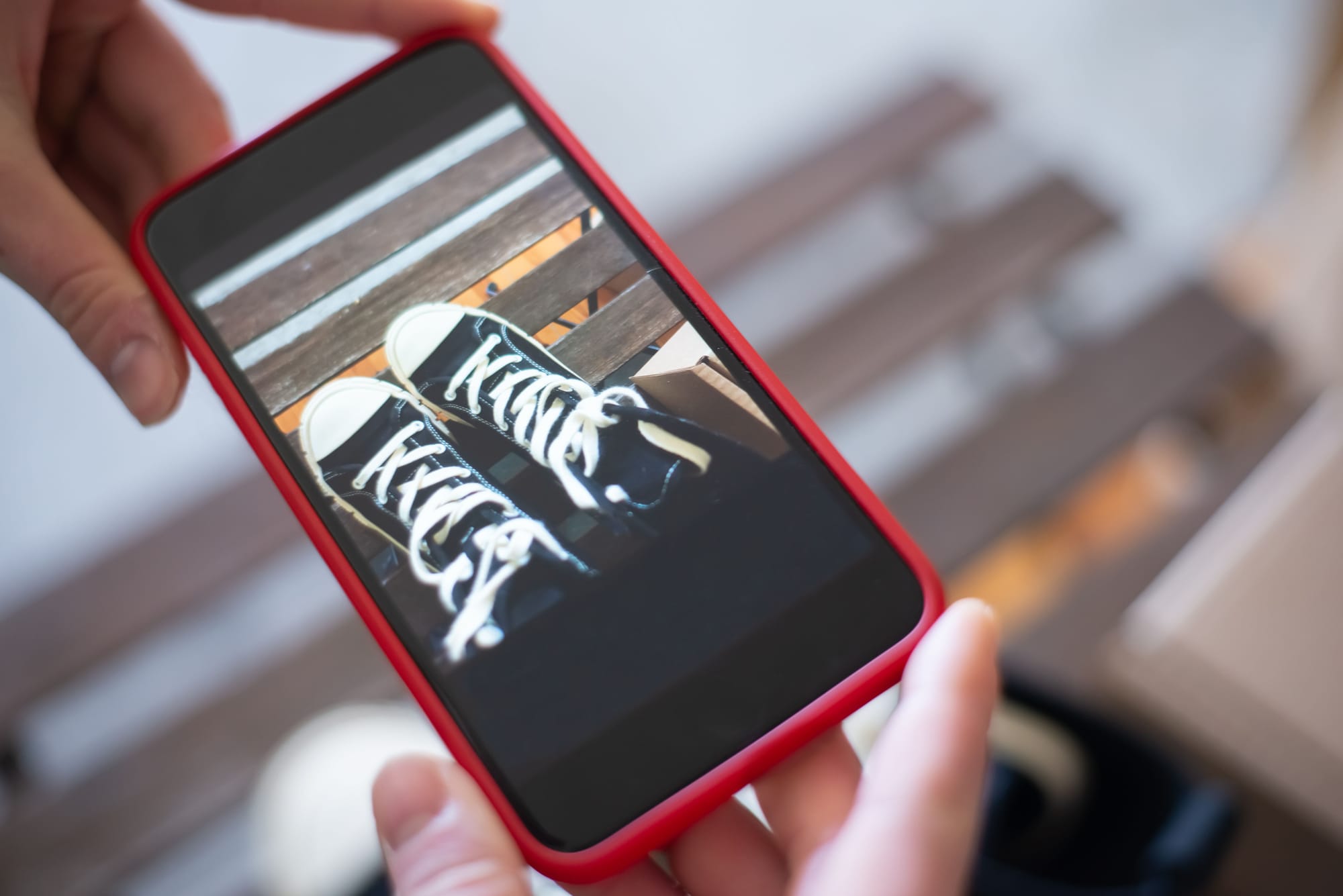
Running One, Start to Finish
Decide the window. An evening, a stay, a conference, a month.
Write fifteen to twenty prompts. See above.
Set the reward. Something specific, and delivered on completion rather than announced later.
Generate one dynamic code and put it where people already look: the welcome desk, the table, the badge, the room.
Say it out loud. A code nobody mentions gets scanned by a fraction of the people walking past it. One sentence at check-in or at the table is the cheapest change available to you, and worth testing against a week where nobody says anything.
Review what comes back weekly, not at the end. A challenge running for a month produces content you could be using in week one.
The Practical Checks Before You Print
One destination, tested on two phones. iPhone and Android handle camera permissions and uploads differently, and a page that works on one can fail on the other. Ten minutes with two real devices before the print run costs nothing and catches almost everything.
No app, at any point. If the code opens something that asks people to install anything, that is the largest step you can put between scanning and submitting, and many will stop there. A challenge should run in the browser the phone already has.
A reward that lands on both wallets. One that saves to Apple Wallet and does nothing on Android quietly excludes a large share of your customers. The split varies by market and audience, and StatCounter is the quickest way to check yours, but both platforms are substantial everywhere.
Print it bigger than you think. A code on a table talker gets scanned across a table, in low light, by somebody holding a drink. Codes that work in a design mockup often fail at arm's length in a dim room.
Put one line of copy next to it. "Photograph five things, get a drink on us" tells somebody whether it is worth their time. A bare code asks them to spend ten seconds finding out, which is a gamble many will not take.
How 82DASH Fits
82DASH is a customer content library. It collects photos, videos and feedback directly from customers, and a reward lands in their Apple Wallet or Google Wallet when they submit.
The one-code-many-prompts design is how it works natively. You build a campaign, generate a dynamic code, and the prompts sit behind it. Participants scan, submit, and receive a reward on their phone in seconds with nothing to install.
Challenge Mode runs a series of prompts to the same participant over a set window, with due dates and a cap, which is the mechanic this whole post describes.
Two things make the output worth more than the activity.
Permission is captured at submission, so the photographs are usable rather than merely collected. The rights management page sets out how.
The reward persists on the phone after it is spent, so the next request goes to somebody who has already taken part once.
On plans. The free plan covers branded forms and wallet passes up to 50 submissions a month, so you can test the scan-and-reward half of this at no cost. Photo collection is on the paid plans, and dynamic QR codes come in at Growth. Starter and Growth include a seven-day free trial, which is how to run a real challenge before paying. Monthly plans start at $50, with around 15% off annually, and the pricing page has the current detail.
Underneath it: pay your customers, not creators.
Start free with forms to Apple and Google Wallet
Isabelle Simon, Communications Lead, 82DASH
FAQs
Do I need a different QR code for every stop?
Only if the route itself is the point, such as a museum trail where the order matters. For most venues and brands, one code holding a list of prompts does the same job with a fraction of the setup and none of the fragility.
What happens if somebody removes a code?
With hidden codes, that part of the hunt stops working and you will not know until somebody complains. With a single code at the point of welcome, it is obviously part of the furniture and gets looked after.
Can the same code run a different challenge next month?
Yes. If the code points at a stable page, you change the prompts on that page and the printed code keeps working. A dynamic code is only needed if you want to send the code somewhere else entirely, or you want scan data.
How many prompts should I use?
Fifteen to twenty is a reasonable starting point. Expect partial completion, put an easy prompt first so people get an early win, and count what comes back on the first run so the second list is set from your own data rather than a guess.
Can I use the photos in marketing afterwards?
Only with permission from the person who took them, covering the use you have in mind. A photo taken at your venue is not automatically yours, and a group chat is not a licence. You can ask afterwards, but asking at submission is easier: the agreement attaches to the file and the person is still engaged.
Does anyone need to download an app?
No, and they should not have to. An install is the biggest single step you can put between somebody scanning and somebody submitting. The code should open in the phone's browser and the reward should land in the wallet already on the device.
Further Reading
- Photo scavenger hunt: 50 ideas, rules and a collection checklist
- Event content capture: build a content library
- How to turn a form into an Apple or Google Wallet pass
- NFC tap wallet for cafes and restaurants
- Apple Wallet developer documentation
- Google Wallet developer documentation
- QR code specification, Denso Wave
- FTC endorsement guides: what people are asking