How to Turn a Form Into an Apple or Google Wallet Pass
A customer fills in your form and a branded card lands in their wallet seconds later. What happens in between, which reward to attach, and the two decisions that determine whether anyone completes it.
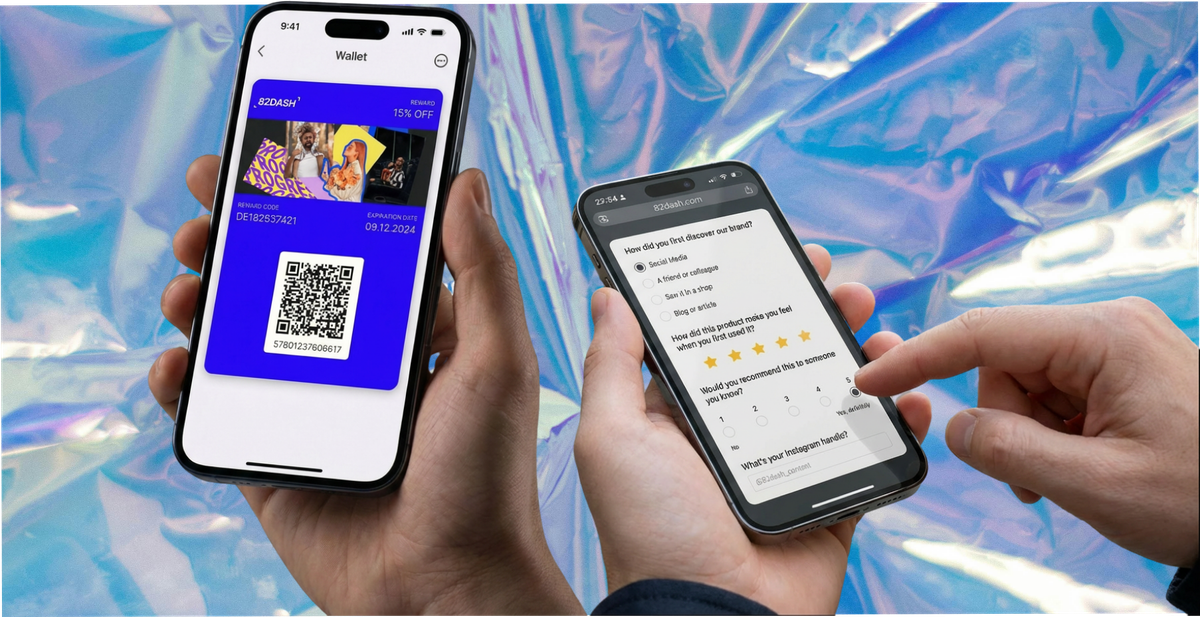
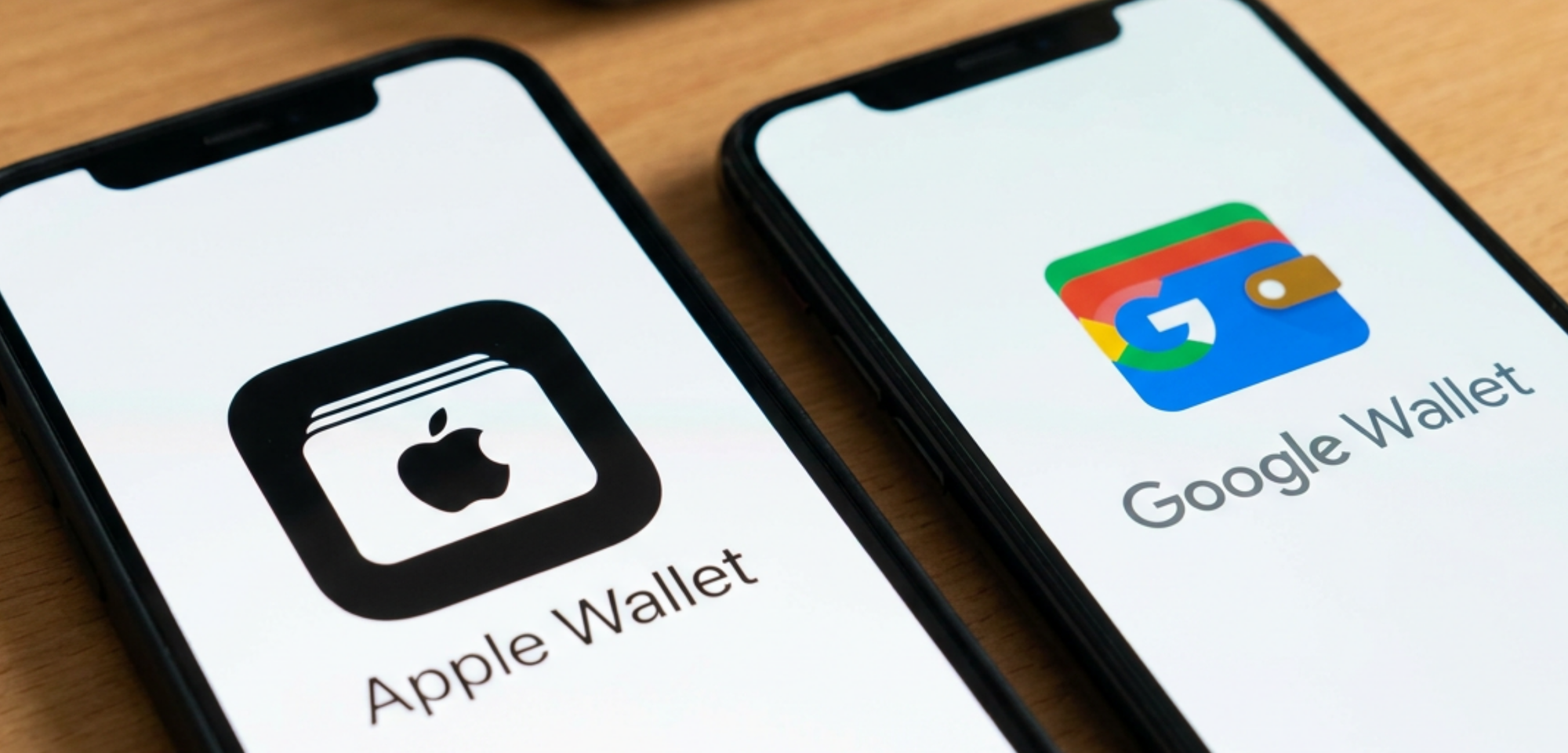
A customer fills in your form and, seconds later, a branded card lands in their Apple Wallet or Google Wallet. A discount, a membership, a contact card, a reward for answering three questions.
No app to install on either side. No developer. The whole thing can be live in an afternoon, and the free way to test it costs nothing.
This guide covers what happens between the submission and the pass, what to ask for, which rewards work, and the two decisions that determine whether anyone actually completes your form.
What Happens Between the Form and the Pass
A wallet pass is a signed file. The phone checks that signature before it renders anything, which is why a form cannot simply become a pass on its own. Something has to generate and sign it.
That makes the flow three parts rather than one.
The customer reaches a page. From a link, a QR code, an NFC tap, an email, or a post-purchase screen.
They submit. A few questions, a rating, an email address, a photo, whatever you asked for.
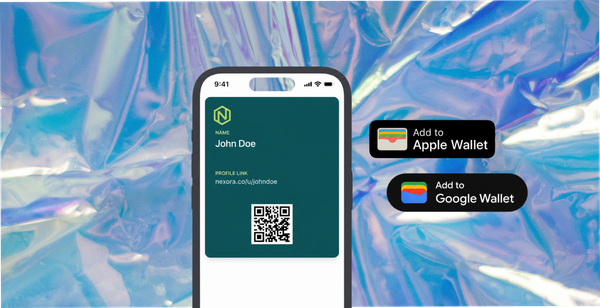
The pass is generated and delivered. On iPhone it opens in Apple Wallet, on Android in Google Wallet. One tap, no account, no install.
The middle step is the one businesses try to remove, on the reasonable assumption that fewer steps is better. It is worth keeping, because it is the only place you learn anything. Without it you have given away a discount. With it you have a discount and an answer.
What to Actually Ask For
The ask determines the completion rate far more than the design does. Four types, in rough order of how often they are worth running.
Feedback and NPS. One to three questions about the experience they just had. The highest completion rate of anything here, because it takes ten seconds and people generally like being asked.
A survey with a reason. Three to five questions where the customer can see why you are asking. "Which of these would you buy next" works. "Help us improve" does not, because it describes your benefit rather than theirs.
Contact details. Email, sometimes phone, in exchange for the card itself. This is the lead capture case, and the pass is what makes it different from a form that ends in a thank you page.
Photos or video. The highest-effort ask, so it needs the largest reward and the most specific instruction. "Show us where it ended up" beats "share your experience".
One rule across all four: ask for one thing. A nine-field form converts like a nine-field form, whatever you put at the end of it.
Which Reward, and Why the Timing Matters More Than the Value
Two things go on a wallet pass, and the choice changes what the pass is for.
| Reward card | Contact card | |
|---|---|---|
| What it holds | A discount, voucher, credit or offer | Your details, a link, an ongoing connection |
| Best after | A survey, feedback, a photo submission | A lead form, an event signup, a waitlist |
| Customer sees | Something worth money now | A reason to keep you to hand |
| Expiry | Should have one, it creates urgency | Usually none |
| Risk | Discount liability if you do not cap it | Lower value to the customer, so lower completion |
| Works when | The ask took real effort | The relationship is the point |
Immediacy does more work than value. A small reward arriving in seconds outperforms a larger one promised by email, because the exchange completes while the customer is still holding the phone. A code emailed later competes with everything else in an inbox and usually loses.
That is the whole argument for a wallet pass over a discount code, and it is worth being precise about it: the code is not better because it is in a wallet. It is better because it arrived immediately and cannot be lost.
The Two Decisions That Decide Your Completion Rate
First: does the landing page say what they get, in the first line?
Ambiguity here is where submissions are lost. "Get 20% off your next order" is clear. "Join our community" is not. The customer decides in about two seconds whether this is worth their time, and they decide on the first line.
Second: is the code dynamic or fixed?
This matters for print runs and it is irreversible once the ink dries. A fixed QR code encodes its destination permanently, so changing the campaign means every card, sticker and receipt roll in your stockroom is dead. A dynamic code encodes a short redirect, so the destination can change at any time without reprinting, and every scan is recorded.
For anything printed in volume, dynamic wins on both counts. Print two thousand cards with a fixed code and you have committed to one campaign for the life of that stock.
Dynamic codes also print better. Because they encode a short redirect rather than a long campaign URL, the pattern is simpler and scans more reliably at small sizes, which matters on a receipt or a bottle label.
Where to Put the Form
| Placement | Reaches them | Best for |
|---|---|---|
| Post-purchase page | At peak goodwill | Feedback, NPS, a first reward |
| Follow-up email or SMS | Days later, unhurried | Surveys, photo requests |
| Receipt or packaging insert | At unboxing or at home | Photos, reviews, longer questions |
| Counter or table QR | In person, in a hurry | One-tap signup, quick feedback |
| Event badge or signage | During the experience | Live capture, contact cards |
| Ad or social link | Cold, before purchase | Lead capture, waitlists |
The packaging insert is the placement most businesses overlook. An email gets one shot at an inbox. A card in the box sits on a kitchen counter for weeks, which means it is still there at the point the customer actually has something to say.
What About Typeform, Google Forms or Shopify's Own Forms?
A fair question, since you may already have one of these.
Typeform, Google Forms and the form apps in the Shopify ecosystem all collect answers well. None of them issues a wallet pass, because a pass is a signed file and issuing one requires certificates from Apple and Google plus a signing pipeline. That is a different job from rendering a form.
So the realistic options are three.
Keep your form tool and wire a pass platform behind it. Possible through an automation layer, and several pass vendors publish integrations for exactly this. It works. It also means two subscriptions, a connector in between, and a failure point you will discover on a Friday.
Use a platform that does both. One flow, one place to change the reward, no connector. Fewer moving parts is the main argument, not features.
Do nothing and send a discount code by email. Genuinely fine for some cases. If your ask is small, your audience checks email, and you do not need an ongoing channel, a code in an inbox is not a crime. The reason to move past it is that the code gets lost and you learn nothing about whether it was ever seen.
Worth being plain: if you already have a form tool you like and a low volume of submissions, connecting it to a pass platform is a perfectly sensible route. The single-tool argument gets stronger as volume rises and as the number of campaigns you run at once goes up.
What Usually Goes Wrong
The code points at a homepage. Someone scans expecting a card and lands somewhere that makes no reference to what they just did. They leave. The code needs its own page with its own single purpose.
Nobody mentions it. A code on a counter that staff never refer to gets scanned by a fraction of the people walking past. One sentence at the till moves that number more than any design decision.
The reward is vague. "Exclusive offers" is not a reward. Name the thing.
The form is too long. Every field costs you completions. Decide what you would actually act on, and cut the rest.
Nobody tested it on Android. The two wallets behave differently and a pass that renders correctly on an iPhone can look wrong on Android. Ten minutes with a real handset.
What to Do With What Comes Back
Most businesses set the form up, collect answers for a month, and never open them again. Three habits prevent that.
Read the free-text answers weekly, in full. Not summarised, not counted. Twenty people describing a problem in their own words is worth more than a satisfaction score, and the wording they use is usually better copy than anything you would write yourself.
Tag the photos as they arrive, not later. Product, use case, setting. A library of four hundred untagged images is functionally empty, because nobody can find the one they need on the afternoon they need it.
Decide up front what would make you change something. "If more than a fifth mention delivery times, we look at the courier." Written down before the data arrives, that is a decision rule. Written after, it is a rationalisation.
How 82DASH Does This
82DASH is a customer content library. It collects photos, videos, feedback and reviews directly from customers, and the wallet pass is what the customer receives for taking part.
For the form case specifically, the flow is: you build a campaign, distribute it as a link or QR code, the customer submits, and a pass lands in Apple Wallet or Google Wallet within seconds. Native on both platforms, so there is no reader app and nothing to install.
Two things follow that matter for a form.
Rights are cleared at submission. If you asked for a photo or video, the agreement is captured at the moment they hand it over, which is what makes the content usable behind paid media rather than only on your own site. Our rights management page sets out how.
The pass persists. It stays on the phone after the reward is used, so the next request goes to someone who has already said yes once, and costs a fraction of the first.
You can test this without paying. There is a free tier for form-based campaigns: build the form, send the link, and see whether your customers actually complete it and save the pass. That is the question worth answering before anything becomes a budget line. Paid plans start at $50 a month and add push notifications and higher volumes; the pricing page has the detail.
Underneath sits the principle: pay your customers, not creators. The budget going to commissioned content could go to the people who already bought from you, and their version carries more weight because nobody paid them to hold the opinion.
Start free with forms to Apple and Google Wallet
Isabelle Simon, Communications Lead, 82DASH
FAQs
Can a form create an Apple Wallet pass automatically?
Yes, through a platform that generates and signs the pass. A form alone cannot produce one, because a wallet pass is a signed file and the phone verifies that signature before displaying anything. The submission triggers the generation, and the pass is delivered to the customer within seconds.
Do customers need an app?
No. Apple Wallet is built into iPhone and Google Wallet into Android. The customer taps Add to Wallet and the pass is saved. No account, no download, nothing to install on your side either.
What is the difference between a reward card and a contact card?
A reward card holds something of value: a discount, voucher or credit, usually with an expiry. A contact card holds your details and keeps you one tap away, with no expiry. Reward cards suit asks that took real effort; contact cards suit lead capture where the relationship is the point.
Should I use a fixed or dynamic QR code?
Dynamic, in almost every case. A fixed code locks one destination into a print run permanently and records nothing. A dynamic code can be repointed at a new campaign without reprinting, and logs every scan. The exception is a one-off print you will never reuse.
How long does it take to set up?
An afternoon for a first campaign, less once you have done one. The time goes into deciding the ask and the reward rather than the configuration. Testing on a real iPhone and a real Android before you launch is the step worth not skipping.