Shopify Customer Photos in Meta Ads: The Rights Clearance Checklist
Running customer photos in Meta ads without documented rights is the most common compliance miss on Shopify. Here's the rights checklist to clear before any customer photo goes into ads.
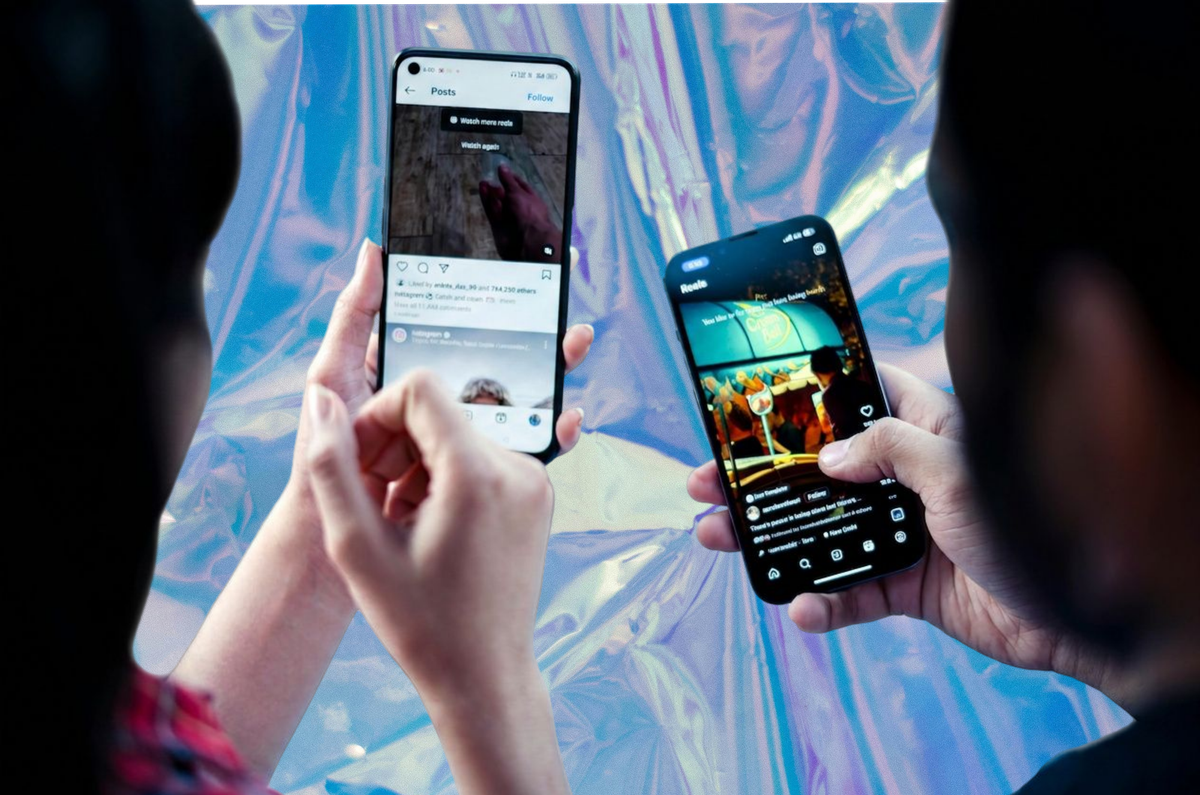
A Shopify brand spots a customer's Instagram post wearing the product. The content is great. The lighting is perfect. The customer's caption is better than anything the agency has produced. The marketing manager screenshots it, drops it into the Meta Ads Manager, and pushes it live as a carousel ad.
That ad is, almost certainly, a copyright violation. It may also breach the FTC's rules on endorsements and incentivised content. And if the customer asks for it to come down, the brand has no defensible record of permission.
This is the most common compliance miss on Shopify - one we've covered in depth in our complete rights-cleared UGC guide. Here is the rights clearance checklist every brand running customer photos in Meta ads needs to clear before the campaign goes live.
Why Meta Ads Are the Highest-Stakes Channel for Customer Content
Three reasons paid social demands the strongest rights:
Audience scale. A Meta ad runs against an audience the brand selected and paid to reach, and research from Bazaarvoice, Salsify, and Nosto shows rights-cleared customer content outperforms brand creative on click-through and conversion in paid social. The use is unambiguously commercial. There's no argument that the content is being shared "as appreciation" or "for community."
Platform enforcement. Meta's own advertising policies require advertisers to confirm they have the rights to run the content they upload. False declarations can result in account suspension, ad disapproval, and in extreme cases account-level enforcement.
Regulatory exposure. The FTC's 2024 endorsement guidelines tightened disclosure requirements for incentivised content, and the agency has signalled increased enforcement on social commerce. Penalties run up to $51,744 per violation in the US, with parallel regimes under UK, EU, and Australian consumer law.
The combined effect: paid ads are the channel where a rights mistake is most likely to be caught and most expensive to remediate. Get this one right and the rest of the rights stack falls into place.
The Rights Clearance Checklist
Every customer photo running in Meta ads should clear all of the following before the campaign launches.
1. Documented permission from the named individual customer. Not the brand's assumption. Not a verbal yes. A written, time-stamped record of the customer agreeing that this specific image (or this collection of images) can be used for paid advertising. The record should name the customer, the asset, the date, and the scope of permitted use.
2. Permission scope that explicitly includes paid social. Generic "we'd love to use your photo" approval is not enough. The permission should specifically cover paid advertising on Meta and other platforms - not just organic social or website use. (The same channel-specific principle applies in email and packaging.)
3. Term and territory. The permission should specify how long the brand can use the content (perpetual, two years, until withdrawn) and where (worldwide, specific countries, specific platforms). Open-ended permission is acceptable if it's explicit; ambiguous permission isn't.
4. Right to modify. Customer photos in ads are routinely cropped, colour-corrected, or composited with brand graphics. The permission should allow this.
5. Disclosure-ready compensation record. If the customer received any incentive - a discount code, free product, points balance, a wallet pass reward - that fact should be documented. The FTC requires endorsements with material connections to be disclosed, and "material connection" includes incentives a reasonable consumer wouldn't expect.
6. Identification of the customer (or anonymisation consent). If the ad will name or visually identify the customer, the permission should reflect that. If the brand plans to crop out the customer's face or use the image without identification, that should also be agreed. (For brands weighing customer creative against influencer creative for paid ads, see our rights/cost/ROI comparison.)
7. Withdrawal mechanism. A way for the customer to revoke permission later - and a process on the brand side for honouring the withdrawal across all live ads, retargeting audiences, and creative libraries.
8. Children and protected categories. If the customer photo includes minors or any protected category (health conditions, religious dress, political affiliation), additional permissions and considerations apply. Most Shopify brands should simply avoid customer photos featuring minors in paid ads.
9. Rights to other people in the photo. A customer's photo of themselves wearing your jacket is straightforward. A customer's photo of their family at a restaurant including other diners is not. The permission should cover anyone visible in the image.
10. Source documentation. The brand should be able to produce, on demand, the file that establishes the rights. Email confirmation, signed release form, submission record from a rights-clearance platform - any of these work, as long as it's retrievable two years from now.
A campaign that can clear all ten items has rights cleared. One that can't doesn't, regardless of how much the customer "seemed happy" when they posted.
Why a Tagged Instagram Post Is Not a Rights Clearance
Many Shopify operators believe that a customer tagging the brand in an Instagram post constitutes permission to use the content. It does not.
A tag is a notification, not a licence. It tells the brand the customer mentioned them; it grants no usage rights. The customer retains full copyright in the image. Any subsequent commercial use - reposting on the brand's organic feed is one thing, running the photo in a paid ad is another - requires explicit additional permission.
The same applies to branded hashtags ("share your photo with #82dashshopify"). The hashtag is an indexing convention; it doesn't transfer rights. The customer's Instagram terms of service grant Meta certain rights to the content, not the brand whose product is in the photo.
The only way to use a tagged Instagram photo in a Meta ad is to reach out to the customer, secure explicit permission for paid use, and document that permission. This is technically possible but operationally slow. For most Shopify brands, the efficient answer is to skip the tag-and-ask approach entirely and collect customer content through a direct submission flow with rights cleared at point of upload.
The Collection Flow That Produces Clean Meta Ad Rights
The pattern that consistently produces ad-ready customer content on Shopify:
Direct submission. A branded landing page where customers submit photos, videos, and feedback through a form. Not a social tag, not a hashtag scrape, not a DM screenshot.
Rights agreement at point of upload. Before the customer hits submit, they tick a clear, plain-language permission covering use across paid ads, email, social, product pages, print, and packaging. The submission record captures the customer's identity, the asset, the date, and the scope.
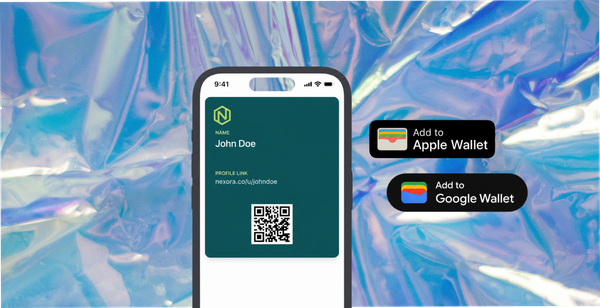
Reward delivered post-submission. A wallet pass with a discount or free product lands on the customer's phone within seconds of submission. The reward is the incentive that drives participation, and the record of it lives in the same database as the rights clearance.
Disclosure-ready record. When a brand later runs the customer's photo in a Meta ad, the brand can produce: the customer's name, the date of submission, the scope of permission, and the fact that a reward was given. That record satisfies both the FTC disclosure requirement and Meta's advertiser declaration.
This is the workflow 82DASH is built around. Customers submit through a Shopify-integrated landing page. The rights agreement is built into the submission form. The wallet pass reward delivers immediately. The brand receives a content library where every asset has a documented, retrievable rights record.
The Growth plan at $82/month covers up to 400 photo and 200 video submissions. The Starter plan at $50/month suits earlier-stage stores. Install directly from the Shopify App Store.
What to Do With Existing Tagged Content
Many Shopify brands have years of tagged Instagram content they'd like to use in ads. (For a structured way to assess what you currently hold and what to do with each piece, see our customer content rights audit guide.) Two paths to clean rights:
Path 1 - Reach out and get explicit permission. For a small number of high-value posts, contact each customer directly, explain the intended ad use, secure written permission, and store the record. Slow but legitimate.
Path 2 - Move on. For the bulk of tagged content, accept that it isn't ad-ready and build forward from a direct submission flow. Within 60-90 days, a working submission flow produces a content library that exceeds the volume of the tagged backlog and is fully rights-cleared.
A common mistake is to keep using tagged content in ads while "intending to" reach out for permission later. That's the worst of both worlds: live ads with no rights, plus the operational debt of a never-completed permission chase.
Disclosure: When and How to Mark Customer Photos in Ads
If a customer received an incentive in exchange for the photo, the FTC's endorsement guidelines apply. The disclosure should be clear, conspicuous, and unavoidable.
For Meta ads specifically:
- Visual disclosure works: an "#ad" or "Sponsored" tag inside the creative.
- Caption disclosure works if it appears above the fold (before the "see more" cut).
- Bio-only disclosure does not work for paid ads.
- Vague terms like "thank you" or "partner" do not satisfy disclosure.
The simplest defensible pattern is to include a small disclosure tag inside the ad image and a clear disclosure statement in the ad copy. For UGC-style ads that look like organic content, this disclosure is the line between permitted advertising and a regulatory finding.
Internal Review Before Every Customer-Photo Ad Goes Live
A short pre-flight checklist for the team launching the campaign:
- Documented permission for this asset, in our records, retrievable in 60 seconds? (Yes / No)
- Permission scope covers paid ads on Meta and the audiences we're targeting? (Yes / No)
- Customer identifiable in the creative? If yes, permission reflects that? (Yes / No)
- Reward or incentive given for the content? Disclosed appropriately in the ad? (Yes / No)
- Any minors visible in the creative? (No / Yes - escalate)
- Rights remain in force on launch date and for the planned campaign window? (Yes / No)
A no on any line stops the campaign until resolved. Build this into the creative review the same way safety reviews are built into product launches.
Isabelle Simon - Communications Lead - 82DASH
Frequently asked questions
Can I use a customer's tagged Instagram photo in a Meta ad if I credit them?
No. Credit is courtesy, not permission. The customer retains full copyright in the photo and your use in a paid ad requires explicit, documented permission. Credit alone doesn't establish a licence.
What if the customer's tag includes a hashtag I created (like #brandnamefan)?
Branded hashtags don't transfer rights. The customer agreed to use a tag, not to license content. Some brands include licence terms in the official rules of a contest using a branded hashtag, but those terms only apply if the customer can be shown to have read and agreed to them - which is usually not the case for an organic tag use.
Do I need permission to use a customer's photo on my Shopify product page?
Yes. The legal basis is the same as for ads, though the practical risk profile is different. Product pages are commercial use of the customer's copyrighted work. The clean approach is to clear rights for all commercial use through the same submission flow, then deploy across ads, product pages, email, and packaging from a single rights-cleared library.
How long do I need to keep rights records?
For as long as the content is in active use, plus a reasonable buffer (most legal teams suggest two to three years after last use). A submission record stored in your customer content platform satisfies this; a screenshot stored in someone's downloads folder does not.
What happens if a customer asks for their photo to come down?
You honour the request. The mechanism for revocation should be in the permission they originally agreed to. When revocation is requested, pull the asset from all live ads, retargeting libraries, scheduled posts, and product pages within a defined window (24-72 hours is reasonable). A rights-cleared customer content platform like 82DASH handles the takedown across surfaces; a manual library does not.
Does the FTC's endorsement rule apply outside the US?
The FTC rule applies to advertising directed at US consumers. Parallel regimes apply elsewhere: the UK Advertising Standards Authority enforces similar disclosure rules for UK audiences, the EU's Digital Services Act adds platform-side requirements, and Australia's ACL covers misleading endorsements. Brands selling internationally need to satisfy the strictest standard relevant to each audience.
Can I run a customer's video review in a Meta ad with the same rights I have for photos?
Yes if the rights agreement covers video. No if it doesn't. A general "use my content" permission may be argued to cover both, but the cleanest position is to have the rights agreement explicitly enumerate photo and video as separate covered formats.
Further reading
Shopify Customer Content Strategy: The Complete Guide 2026
Rights-Cleared UGC for Shopify Ads: The Complete Guide
Shopify UGC: Collection vs Display Explained
How to Collect Customer Photos on Shopify and Reward via Apple Wallet