Lightspeed UGC: How to Collect Customer Content and Insights Online
Lightspeed eCom tells you what sold and nothing about what customers thought. Here is how to collect photos, video and insight from online orders, and why the QR code on your packaging insert should be dynamic.
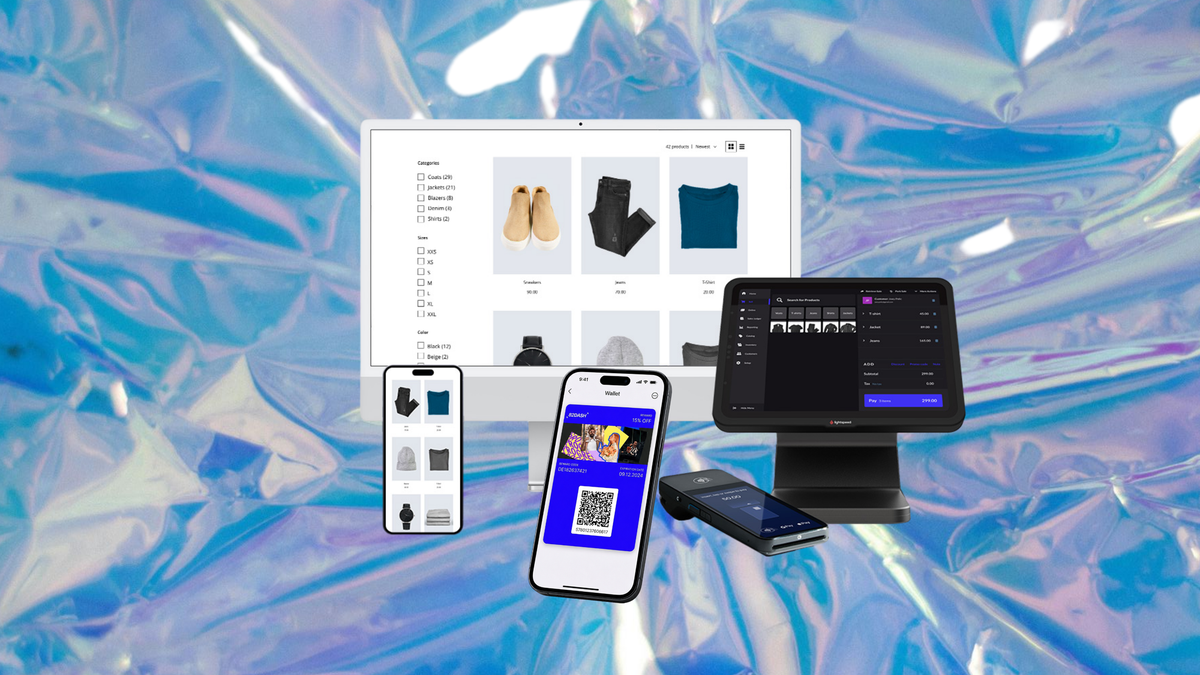
Running an online store on Lightspeed eCom gives you a clean view of what sells and almost none of what customers think.
You have order data, product performance, and abandoned cart numbers. What you do not have is a photograph of the product in someone's kitchen, a reason why they chose you over the shop down the road, or a way to reach the customer once the order confirmation email has been ignored.
This guide covers how Lightspeed eCom stores close that gap: what to ask for, when to ask, and how to reward it so people actually respond.
The underlying reallocation is straightforward: pay your customers, not creators. Most merchants solve a content shortage by commissioning it, from a studio or a creator marketplace, at a cost that repeats every time the ad account burns through what it has. The customers who already bought will supply it for the price of a small reward, and the resulting images convert better because the shopper can tell the difference.
From r/DigitalMarketing: "I used to be all about paying creators until I watched a small brand run a customer reward campaign that got way more engagement than their previous influencer push. The posts felt like people actually using the product in their real lives, not a polished ad."
That last phrase is the whole argument. Studio photography and commissioned creator content both look like what they are, and shoppers have become very good at spotting the difference. The images that move people are the ones that look like a real house and a real person, which is precisely what a catalogue shoot is designed not to produce.
It is also measurable. Bazaarvoice puts the conversion uplift above 160% when shoppers interact with customer photos on a product page, and Salsify reports 74% higher conversion on pages carrying customer imagery.
Where Lightspeed eCom Leaves a Gap
Lightspeed eCom (E-Series) is the ecommerce product for both Retail X-Series and R-Series merchants, and came into Lightspeed through the Ecwid acquisition. It handles the store, the checkout and the catalogue well.
What it does not do is collect anything from the customer after the sale beyond the transaction record.
That leaves three specific holes for most merchants:
No content. Your product pages carry whatever photography you commissioned. When you need fresh creative for ads, you commission more. The cost repeats every time.
No insight. You know what sold and what did not. You do not know why someone chose a product, whether it met expectations, or what nearly stopped them buying.
No channel. The customer gave you an email address at checkout, which is a channel with a steep decay curve and a promotions tab in front of it.
Each of these is solvable, and the same mechanism solves all three, which is the useful part.
The Windows That Work Online
Timing matters more than wording, and online timing is different from retail because the product arrives without you.
Delivery plus two or three days. The strongest window for most physical products. The item has arrived, it is novel, and it is in front of them. Most merchants ask weeks later when it has become ordinary.
First use. For anything with a delayed payoff, two to four weeks is more appropriate. Ask at delivery and there is nothing to report yet.
The second order. The clearest satisfaction signal a customer can send, and the easiest moment to ask with no awkwardness. They have already voted with money.
In the parcel. Not a timing window exactly, but the highest-conversion delivery mechanism. A card in the box reaches every customer at exactly the delivery moment, and costs almost nothing.
That last one is worth emphasising for Lightspeed eCom merchants specifically. If you are shipping physical goods, the parcel is a channel you already own and are probably not using.
Fixed and Dynamic QR Codes on Inserts
If you put a QR code on a printed insert, which type you use decides whether that print run works once or for years.
A fixed QR code encodes the destination directly. Whatever you printed is where it points, permanently. Change the campaign and the inserts in your stockroom are dead. There is also no scan data, because nothing sits between the scan and the page.
A dynamic QR code encodes a short redirect. The destination can be repointed at any time without reprinting, and every scan is logged.
For a merchant printing a thousand inserts at a time, that difference is significant. A dynamic code lets the same insert run a photo request this quarter, a feedback survey next, and a winback campaign after that.
Scan timestamps are the other benefit, and they settle the timing question with data instead of guesswork. The delivery-plus-three-days guidance above is a starting point. Your own scan curve is the answer.
Practical printing notes: 2cm square minimum, keep the clear margin around the pattern, maintain strong contrast, avoid reflective finishes, and test the actual print run rather than the artwork on screen.
What to Ask For, by Destination
Decide where the content is going before you collect it, because it changes the request entirely.
| Where it goes | What to ask for |
|---|---|
| Product pages | A photo in a real setting, real light, real person |
| Paid social | Vertical video, ten to fifteen seconds, phone camera |
| A photo plus one line of context about who they are | |
| Insight and product decisions | A short form, not a content request |
| Winback and lapsed customers | Content from customers who stayed, aimed at those who left |
The most common failure is collecting photos for six months, then discovering the ad account needs vertical video and having none. Working backwards from the destination avoids it.
Rights Are the Part That Decides Everything
A customer sending you a photo has not granted you the right to run it as a paid advertisement.
This is the difference between UGC and CGC, and it matters more than it sounds. User-generated content is what customers post publicly, uncontrolled, with no rights position you can rely on. Customer-generated content is submitted directly in response to a request, with rights clearance captured at the moment of submission.
If rights were cleared at submission, your library is usable everywhere: paid ads, email, product pages, print, packaging. If they were not, most of it can go on a product page and nowhere else.
Retrofitting is where this becomes expensive. Going back to two hundred customers individually to ask permission is theoretically possible and practically never happens, which is why so many merchants have a large folder and a small amount of usable creative. The FTC has also tightened guidance on how social proof is used in advertising, which raises the cost of getting it wrong.

Getting It Onto the Product Pages
Collected content that stays in a folder does nothing, and product pages are where it earns most directly for an online store.
Lead with representativeness, not polish. The shopper is looking for evidence the product works for someone like them. A spread of ages, body types, room types and use cases does more than a smaller set of better-lit images. This is the opposite instinct to commissioning photography, where consistency is the goal.
Place it below the studio shots, not instead of them. The catalogue images establish what the product is. The customer images answer whether it looks like that in reality. Both jobs need doing and they are not interchangeable.
Attribute it. A first name and a location makes an image read as real. An unattributed photo reads as stock, which defeats the purpose.
Refresh it. Customer images date faster than catalogue images because clothing, interiors and phone camera quality all shift. Content collected two years ago will quietly start looking like it.
Use the same content in ads. The images that perform on a product page usually perform in paid social too, and this is where the rights position decides whether you can. Content cleared only for your own site is worth a fraction of content cleared for paid media.
For a Lightspeed eCom store the practical sequence is: product pages first, because the conversion effect is measurable and immediate, then ad creative once you have enough distinct pieces to test properly.
How 82DASH Works With Lightspeed eCom
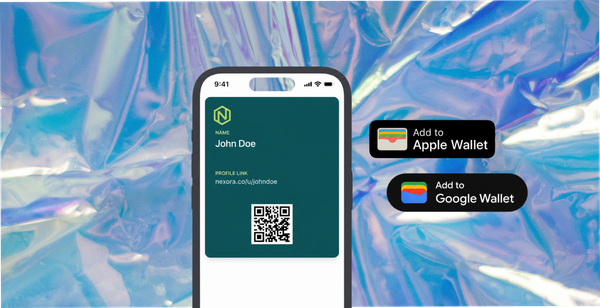
82DASH is a customer content platform built on the premise that a brand should pay its customers rather than creators. It collects rights-cleared photos, videos, feedback and reviews from real customers, and delivers a reward as an Apple Wallet or Google Wallet pass.
For an online store the flow is straightforward. You build a content request, naming the format and setting the reward. It reaches the customer by a link after purchase, a QR code on a packaging insert, or an NFC tag if you use one.
They submit from their phone. Rights clearance is captured in that same step, covering paid ads, email, product pages, social and print, so nothing needs chasing afterwards.
The reward lands in the wallet within seconds, as either a reward card or a contact card depending on whether there is an offer attached. That pass becomes a direct channel: push notifications reach the lock screen rather than a promotions tab, and the next request costs nothing to send.
Dynamic QR codes are generated in the platform, so a printed insert can be repointed at a new campaign without reprinting anything.
Where you want insight rather than content, the form builder runs standalone for feedback, NPS and surveys, with the same instant reward. Plenty of Lightspeed merchants start there, because it answers product questions faster than a content campaign does.
A Realistic Starting Point
For a Lightspeed eCom merchant with an established order flow, this is the version that works without becoming a project.
Print an insert with a dynamic QR code and one request. A photo of the product in a real setting is the safest first ask for most catalogues.
Set the reward at something immediate and modest. Store credit works well because it returns to you.
Run it for a month across every order and count three numbers: scans, submissions, and usable submissions. That gives you a cost per usable image you can put directly against a photography quote.
Then repoint the same code at a feedback form and run that for a month. You will learn more about why people buy from you than any analytics dashboard has told you, and the inserts are already printed.
The customers who respond to both are the group worth building a proper programme around. They have a pass in their wallet, so asking again costs nothing.
Isabelle Simon is Communications Lead at 82DASH.
Frequently Asked Questions
What is Lightspeed eCom (E-Series)?
It is Lightspeed's ecommerce product, formerly Ecwid, which integrates with both Retail X-Series and R-Series. It handles the online store, catalogue and checkout for merchants who may also run physical locations.
How do I collect customer photos from a Lightspeed eCom store?
The two reliable routes are a link sent after delivery and a QR code on a packaging insert. The insert generally performs better because it reaches every customer at the delivery moment without depending on an email being opened.
Should I use a fixed or dynamic QR code on packaging?
Dynamic, in almost all cases. A fixed code locks one campaign into a print run permanently and provides no scan data. A dynamic code can be repointed without reprinting, and scan timestamps tell you when customers actually engage.
Can I use customer photos from my store in Meta ads?
Only if rights were cleared at the point of submission. A photo emailed to you, or posted publicly by a customer, does not carry advertising rights. This is the difference between content you can run in paid media and content limited to your own product pages.
When is the best time to ask an online customer for content?
Two to three days after delivery for most physical products, while the item is still novel. For products with a delayed payoff, two to four weeks. The second order is the strongest moment of all and the most commonly missed.
Further Reading
- Lightspeed: eCom E-Series documentation and integrations
- Bazaarvoice: conversion research on customer photos
- Salsify: product page conversion data for customer imagery
- Apple Wallet: pass format and reward delivery
- FTC: endorsement and disclosure guidance for advertising